Faster checkouts. Cleaner ops. Stronger controls — with PayPOS®.
Security & anti-phishing
by design
Controls designed to reduce risk across links, QR flows, access and sensitive actions.
Fraud optimization
& risk signals
Adaptive rules and scoring signals (depending on your configuration and PSP stack).
One workflow,
multiple payment methods
Tap-to-pay, PayByLink, wallets, BNPL, instant transfer — based on country/PSP availability.
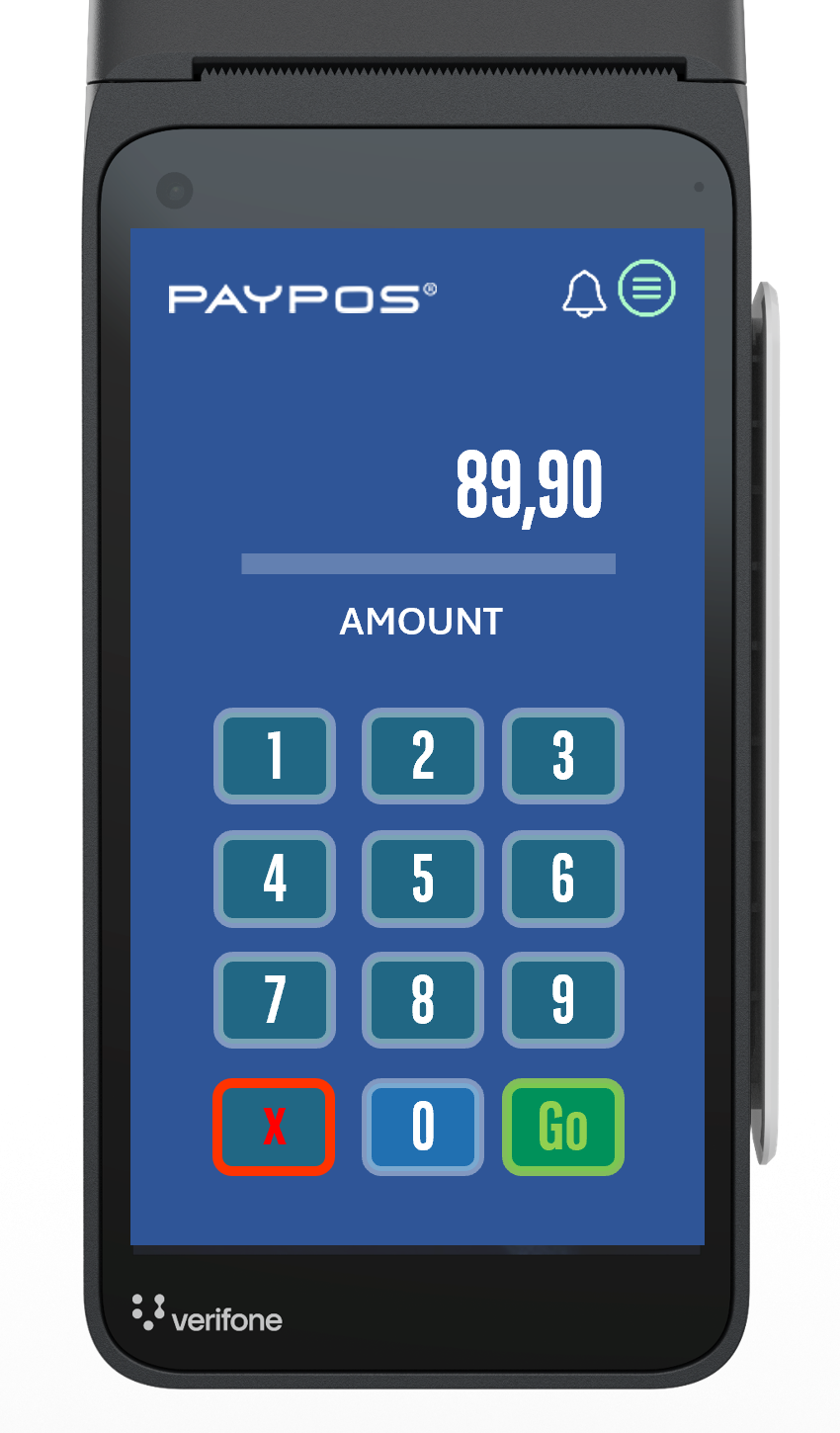
Enter the amount,
choose a method,
get paid — simply
On an Android payment terminal or phone, open PayPOS®, enter the amount, and pick the best-fit payment rail.
On compatible Android devices, you may also accept contactless in person (SoftPOS / Tap-to-Pay), subject to acquirer enablement and compliance requirements.
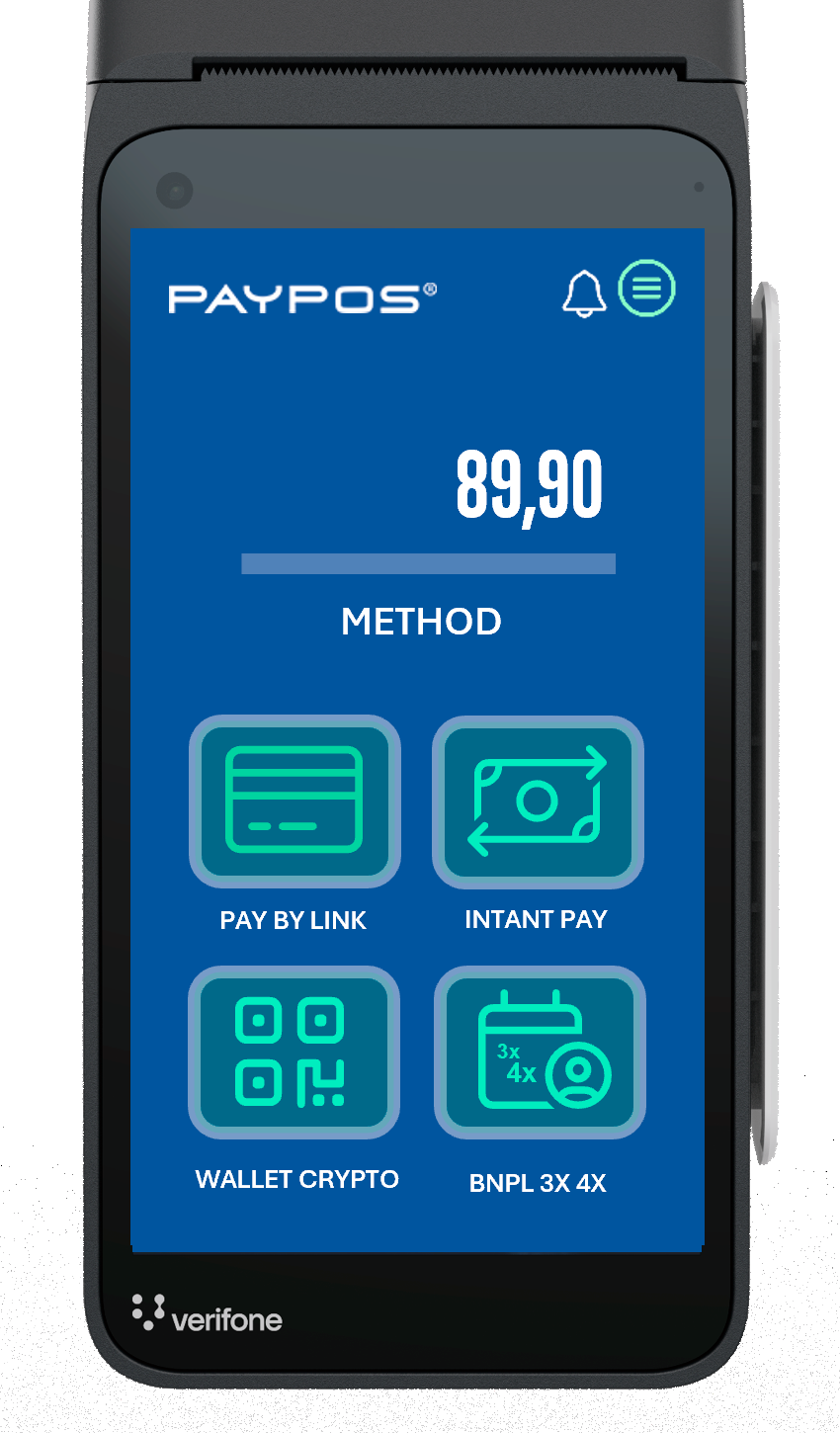
Tap-to-pay, PayByLink, BNPL, instant bank transfer, wallets* — and more
For remote customers, use PayByLink via Email, SMS, or WhatsApp to launch a secure checkout. If the customer is on-site, select the channel that best matches the sale.
* Examples may include PayPal, Apple Pay, Google Pay and others depending on country/PSP configuration.
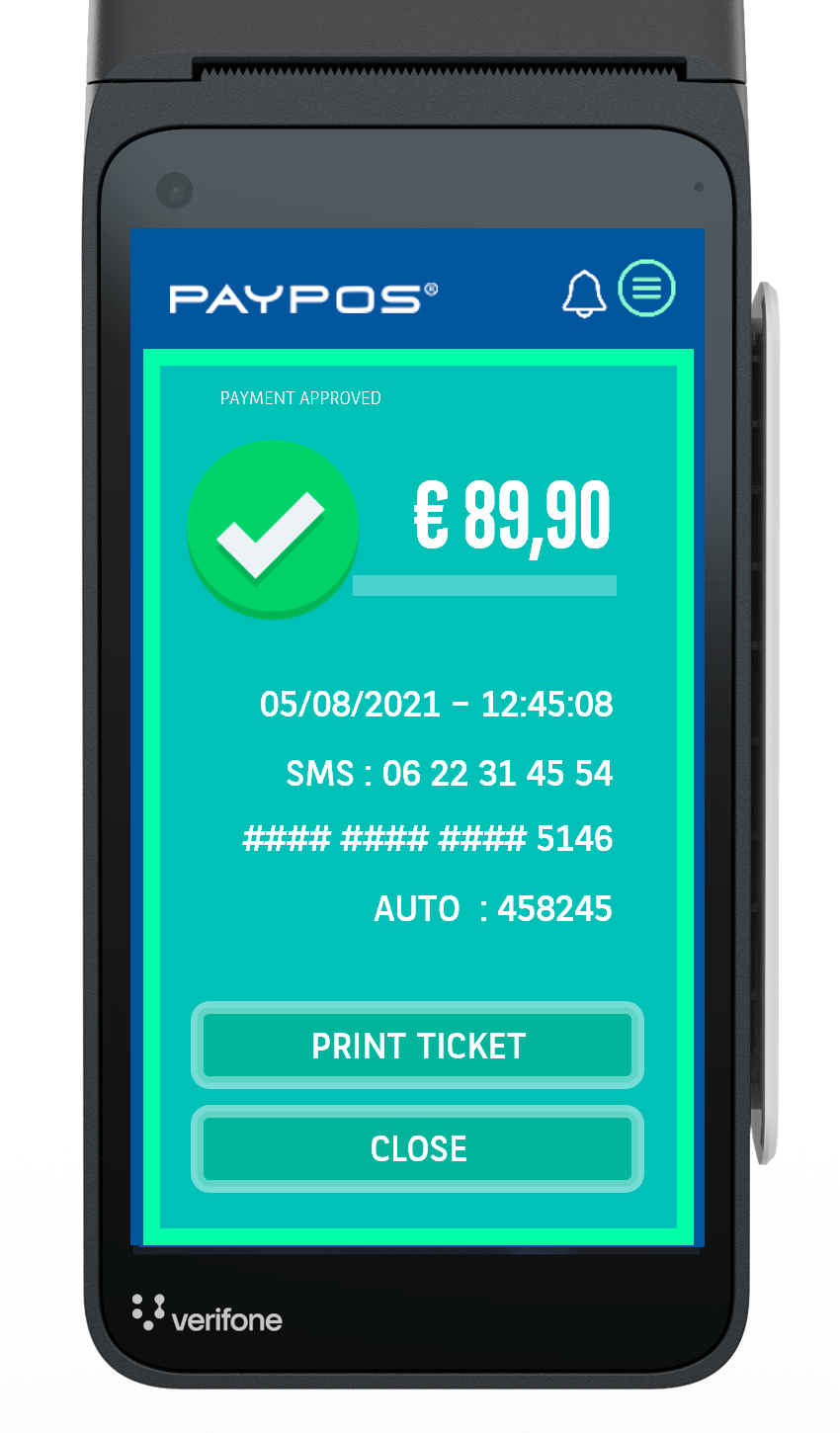
Real-time status and payment confirmations
PayPOS® updates payment status in real time. Keep taking the next transaction while confirmed payments are ready for receipt printing or remote delivery (based on your settings).
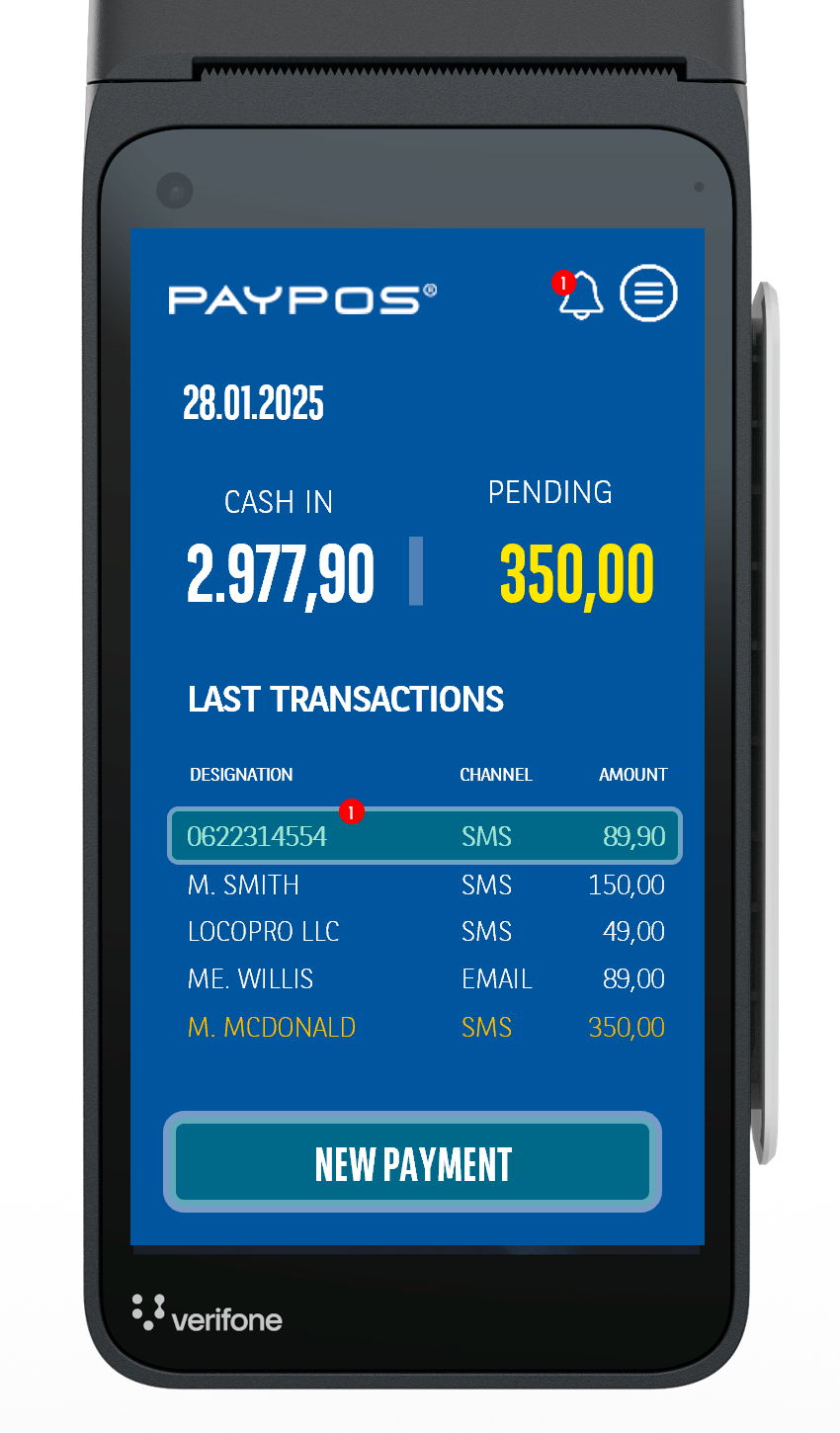
Review, search, and take action across transactions
From your terminal or phone, you can see in-flight and completed transactions, and take permitted actions based on roles and transaction state.
Pro tip: keep status semantics consistent (pending / confirmed / failed / canceled) for faster support and reconciliation.